real work
OnboardingADDIEJust-in-time
Sprinting to the start line
How I designed a 3-week training sprint, plus just-in-time trainings, for about 200 part-time staff, step by step with ADDIE.
read the case studythe portfolio
Case studies and prototypes across knowledge retention, experience design, and accessibility. Start anywhere.
area 1 of 3 ✦
Spaced practice and performance support that keep learning going after training ends.
real work
 AI-generated photo
How I designed a 3-week training sprint, plus just-in-time trainings, for about 200 part-time staff, step by step with ADDIE.
read the case studyreal work
Running qualitative focus groups with COOP Careers’ part-time staff to understand whether training sticks, and what isn’t a training problem at all.
read the case studyreal work
 AI-generated image
4 real training requests, 4 different verdicts: behavior, change management, hiring, and training. Plus the 5 Whys, how I push back, and an example SOP.
read the post7-part blog series
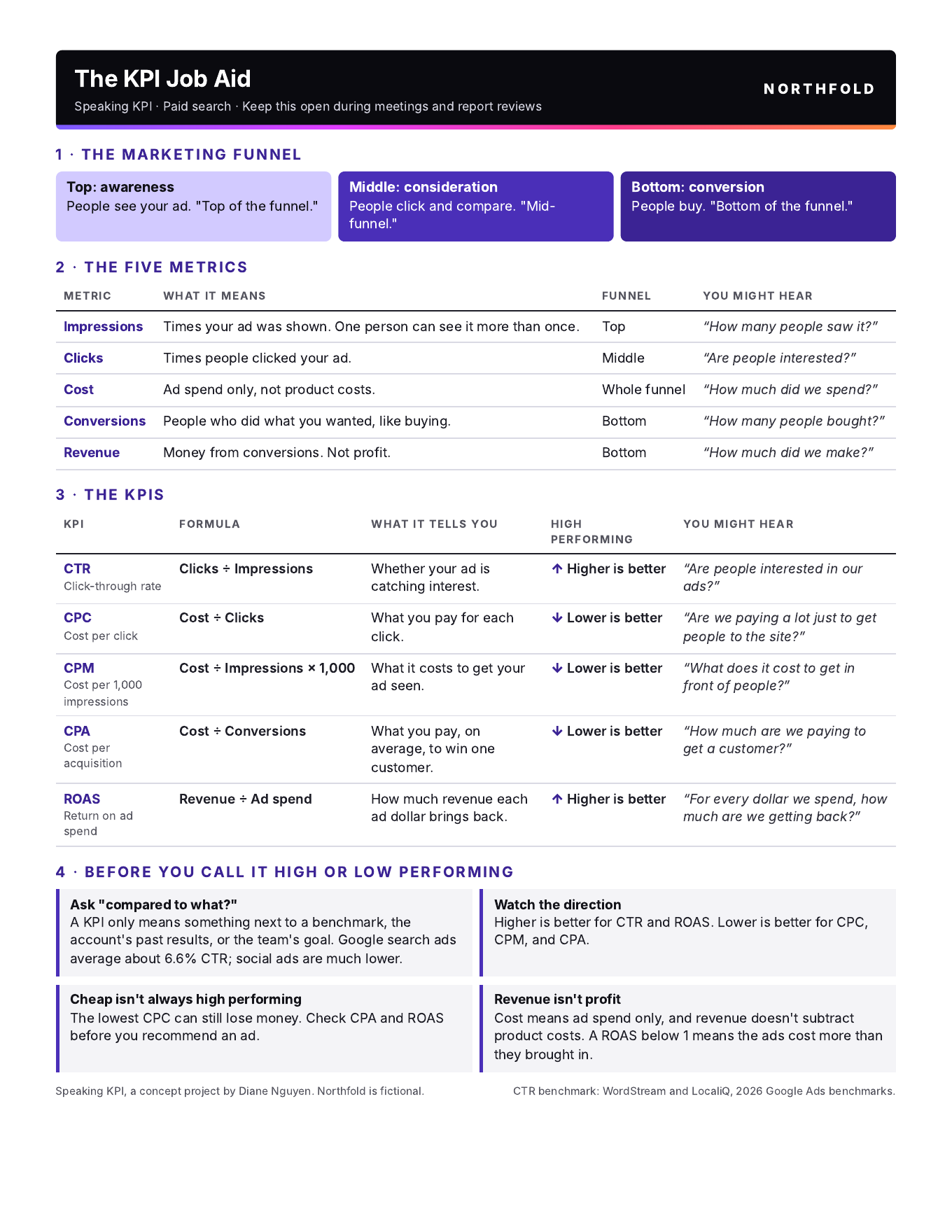
A concept project: designing an onboarding training for new digital marketers
start here →concept project
An Instagram Reels–style app that turns a recipe reel into a step-by-step checklist you can follow while you cook. Includes a clickable app demo.
concept project
A mobile job aid new retail associates can scan in about a minute on the floor: what they can take back, the 25% rule, the steps, refunds, and when to get a manager. Part of my retail returns training.
real work
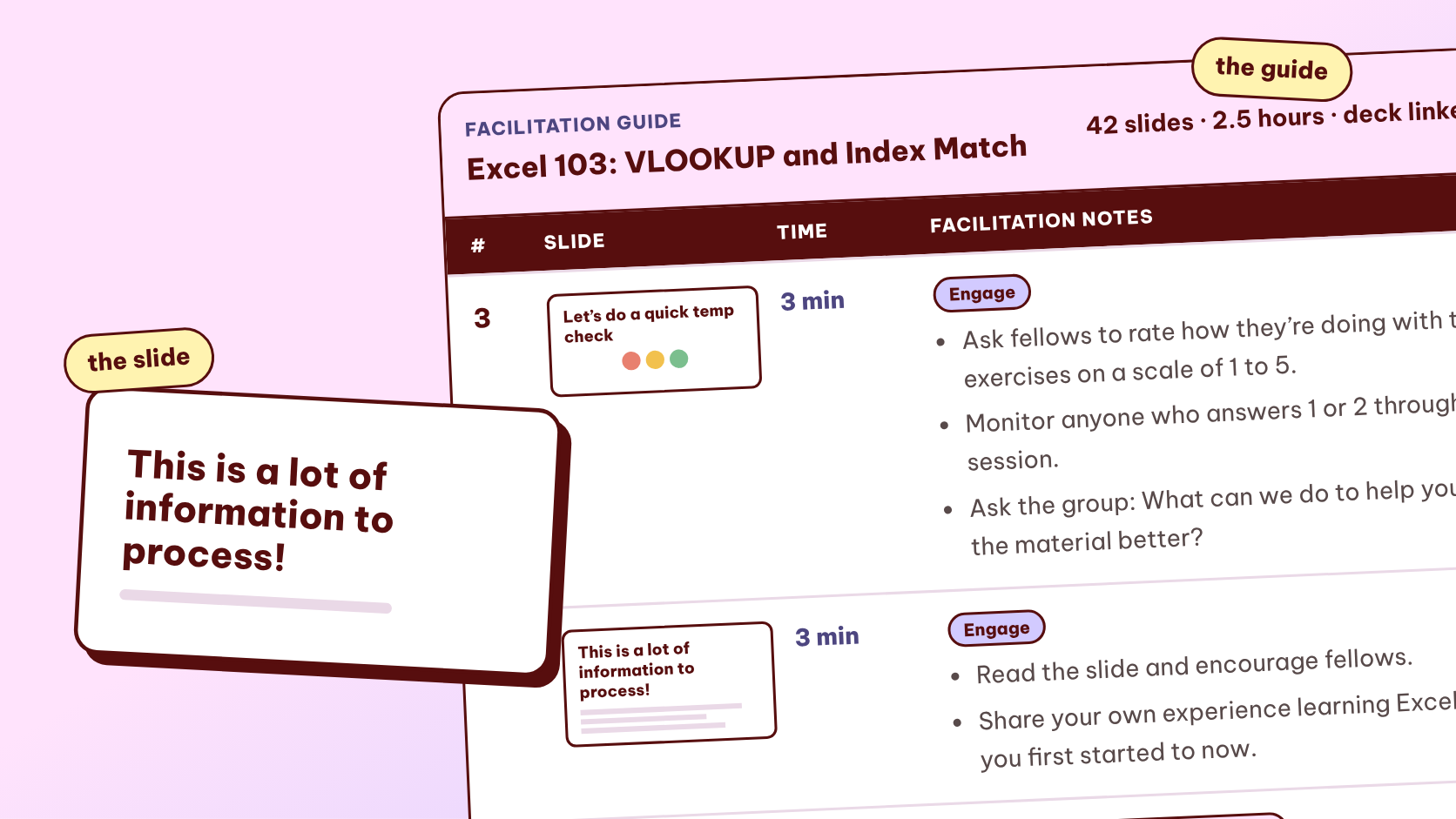
Designing training that part-time staff deliver: facilitation guides, a resource hub, and a real guide example. Includes redesigned excerpts from my Excel 103 and Paid social 101 guides.
read the postarea 2 of 3 ✦
Personas, scenarios, and game-inspired design that people want to finish.
real work
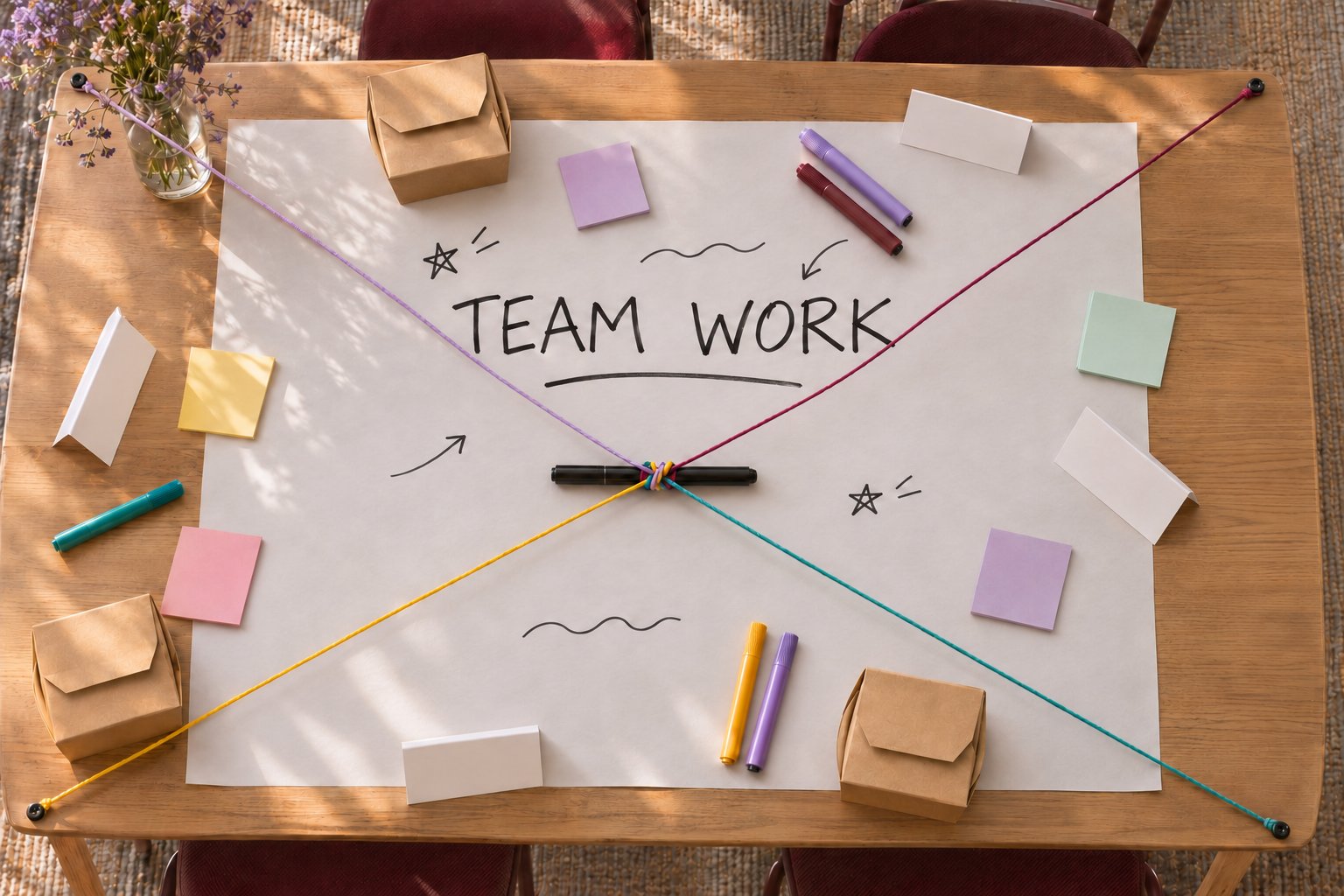 AI-generated photo
How I designed a 3-hour in-person training to build community among 32 part-time staff, from the activities to the room layout.
read the case studyblog
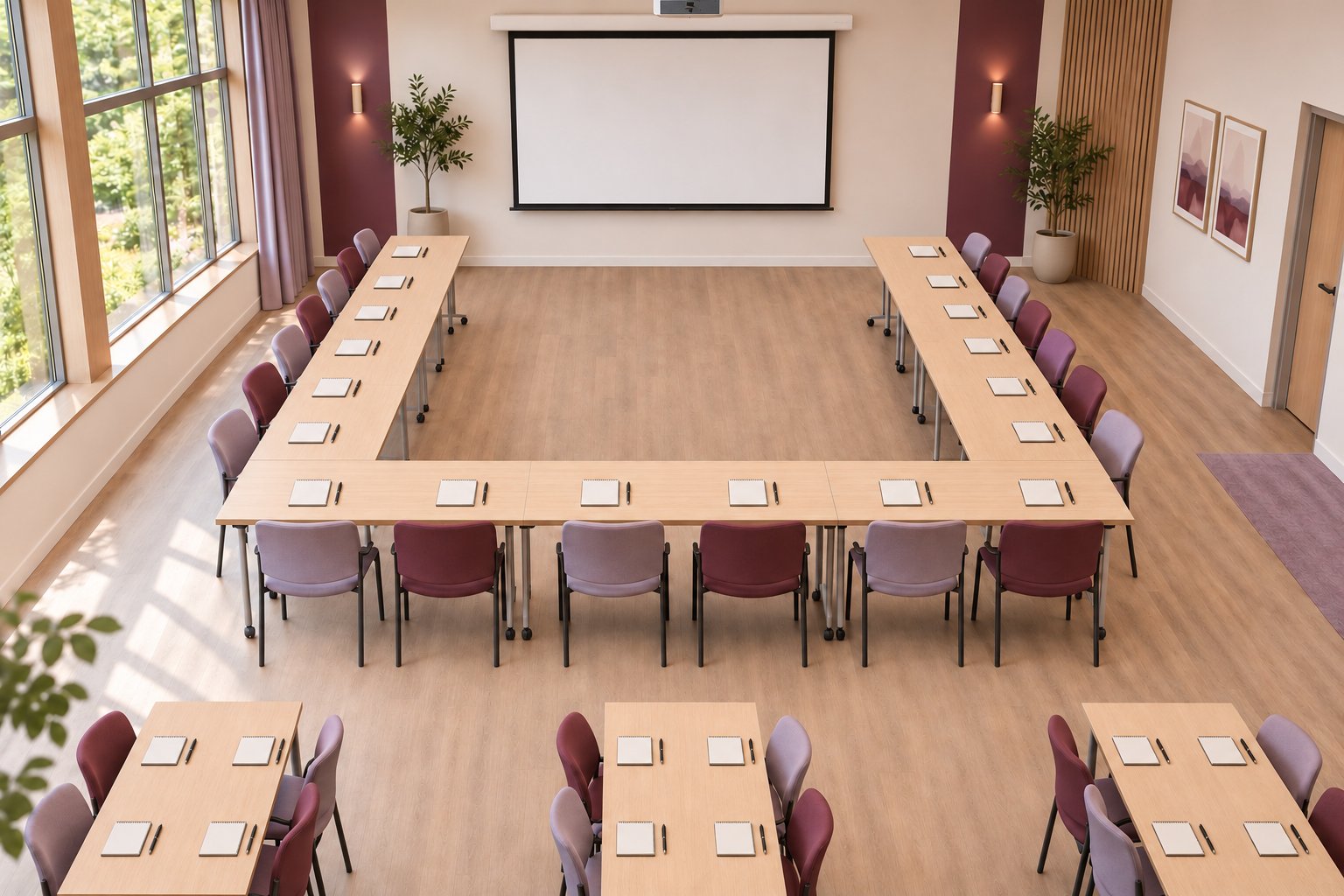 AI-generated photo
How room design shapes the learning experience, with 3 layouts to try instead of lecture rows.
read the postblog + case study
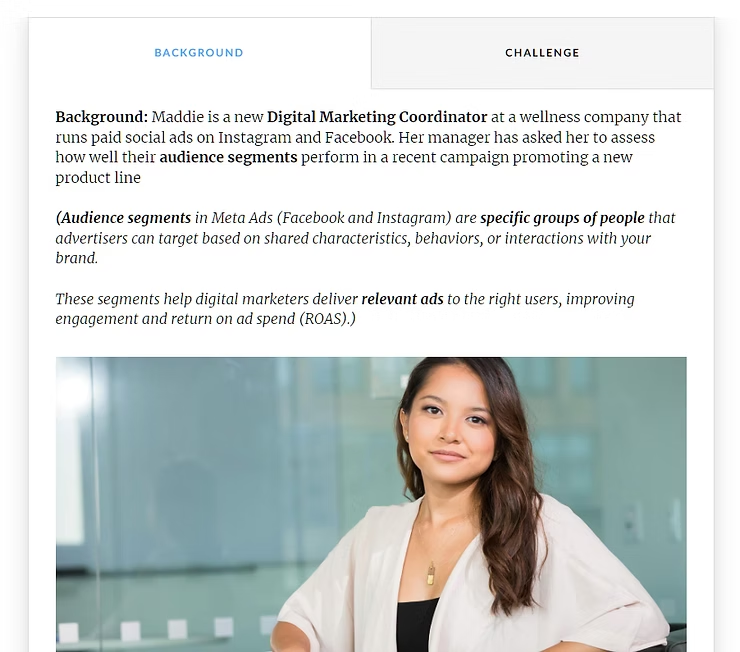
Self-paced Excel training built around one learner, Maddie, where learners use VLOOKUP and XLOOKUP to solve her real marketing task.
read the story and projectplayable demo
A shopping simulation where learners choose what to say, speak it in Vietnamese, and get feedback that teaches instead of penalizes.
play the democoncept project
An optional game for new beauty associates: drag a slider as a product gets more used, and stop where a return is no longer okay. No numbers, a 25% spot that moves every round, instant feedback, and a score to beat.
blog + playable demo
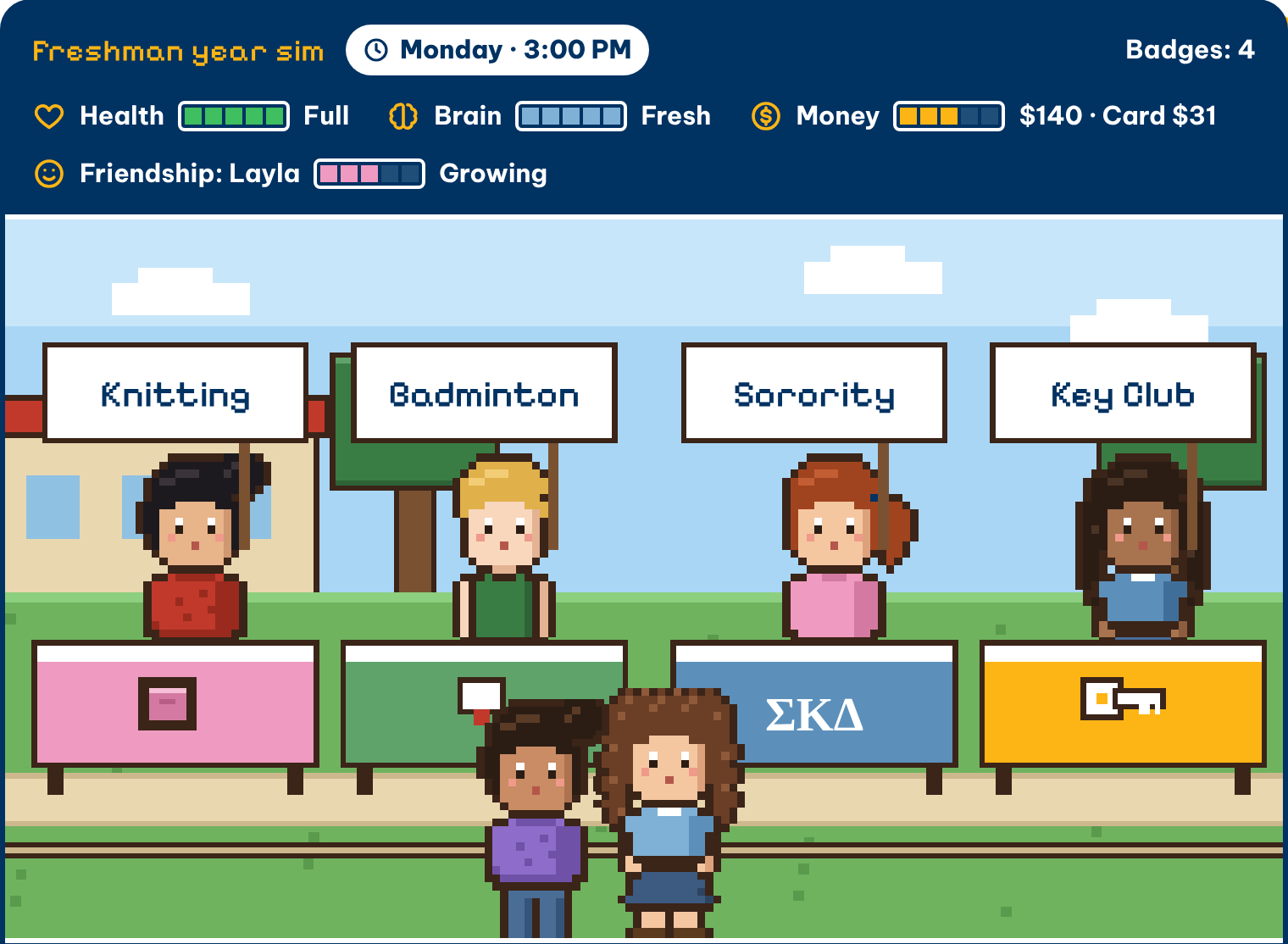 AI-generated demo screenshot
A concept for a freshman year simulator that teaches life skills, with ABCD objectives, side quests, and a pixel-art demo you can play.
area 3 of 3 ✦
Learning that works for everyone from the first draft.
case study
A Lunch & Learn and self-paced Rise course that taught non-designers to make everyday docs, slides, and videos accessible.
Inside the course. It started with our brand green, which scored 2.71:1 against white. Six short modules cover what accessibility means, the standards behind it (WCAG, Section 508, and the ADA), and how to make videos, slides, and docs accessible, with flashcards, knowledge checks, and a downloadable checklist. Accessible Google Docs was the most useful module, which inspired the hands-on mini course next to it.
read the case studymini course
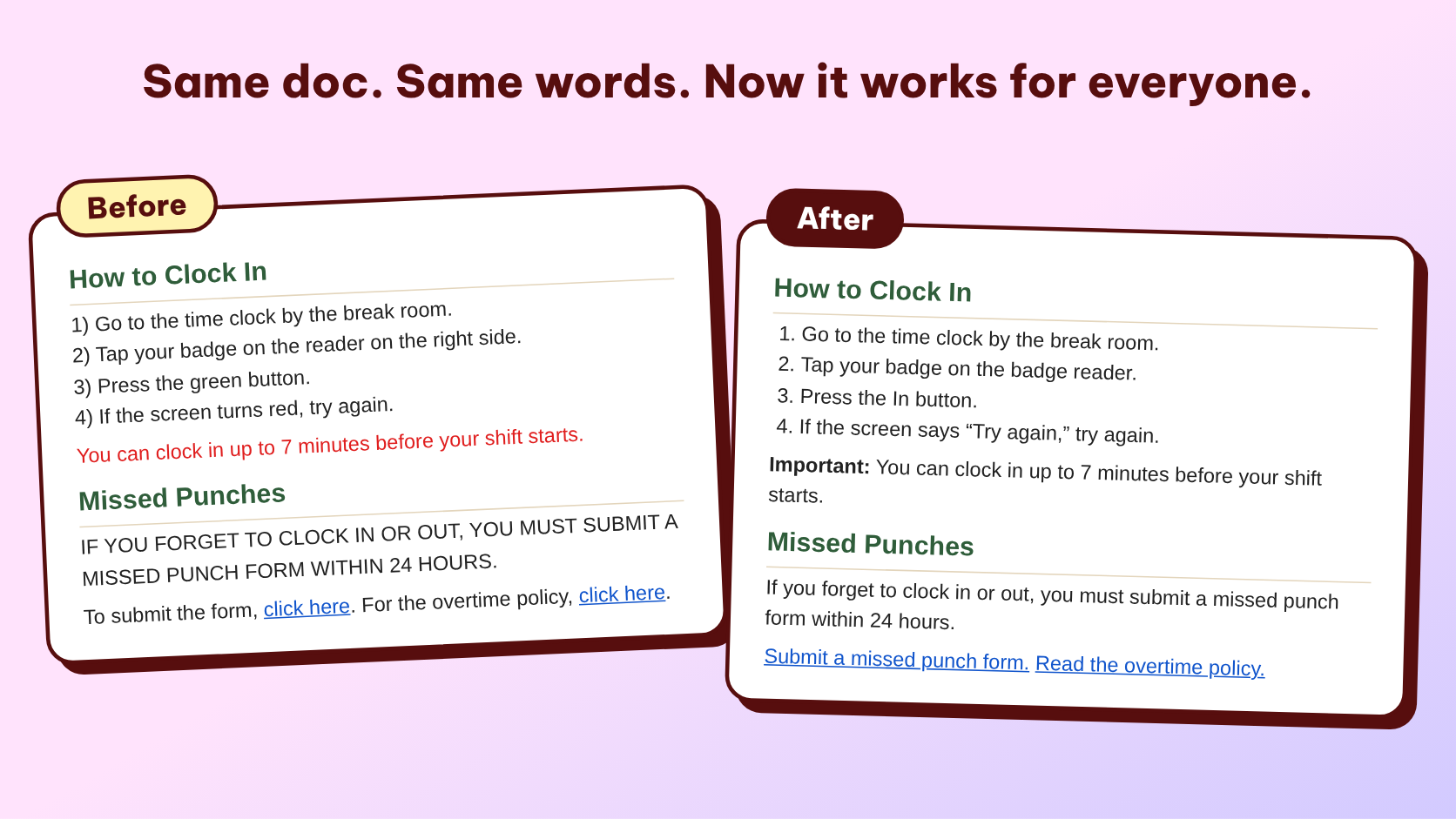
Why accessibility clicked for me, plus a hands-on mini course: fix a Google Doc in 7 short lessons, with a printable checklist.
Inside the mini course. Learners make their own copy of a practice handbook for a fictional store, then fix it one problem at a time: headings, alt text, lists, color, contrast, tables, and links. Each lesson explains what it is and why it matters, shows every step with real screenshots, and ends with a quick check. It wraps up with a bonus lesson, a “check your work” routine, and a 1-page checklist in 2 versions: designed and screen reader friendly.
read the posttry the mini courseconcept project
Onboarding for new retail associates, built with UDL: case studies with a training manager, a choice of article or video, a customer quiz, a role-play, and a job aid.
Featured: Find the 25% line. Deciding if a product is too used to return is a judgment call new associates struggle with, so I built an optional practice. Learners drag a slider as a product gets more used, with no numbers and a 25% spot that moves each time, so they learn to judge it by eye. It’s gamified, with instant feedback, a score, and shuffled rounds to replay.